
On this page
Notification Center
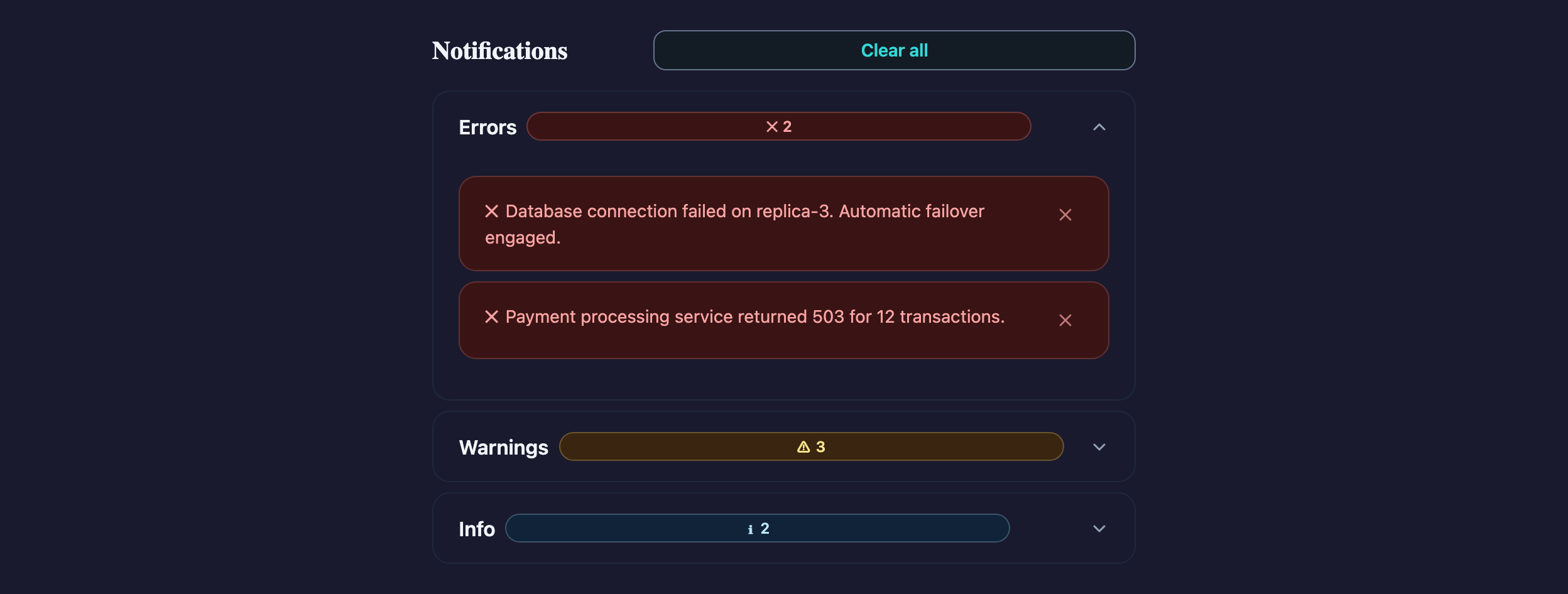
Structural feedback grouping using Accordion and Alert. Useful for monitoring and admin tools.
Notifications
Visual reference
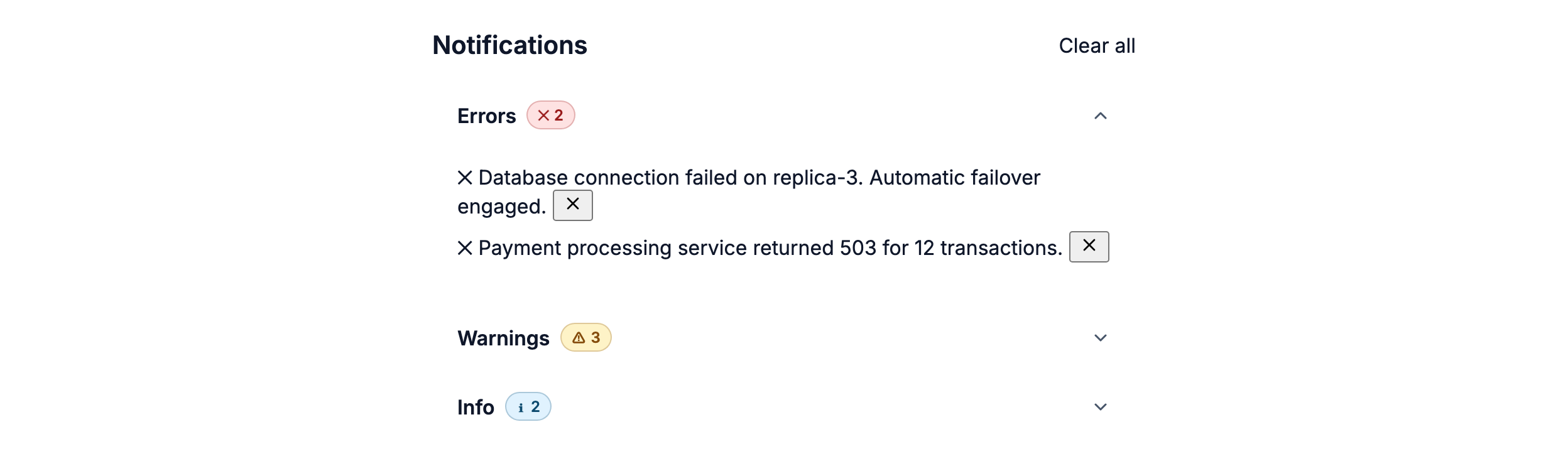
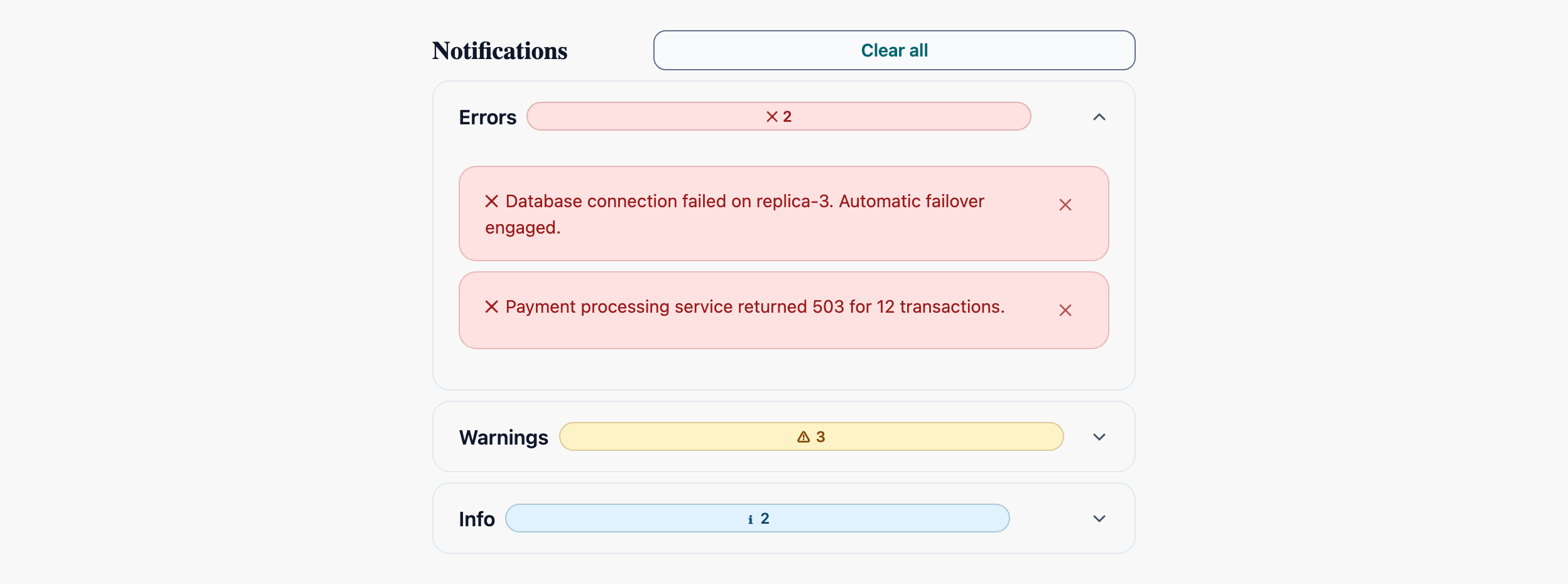
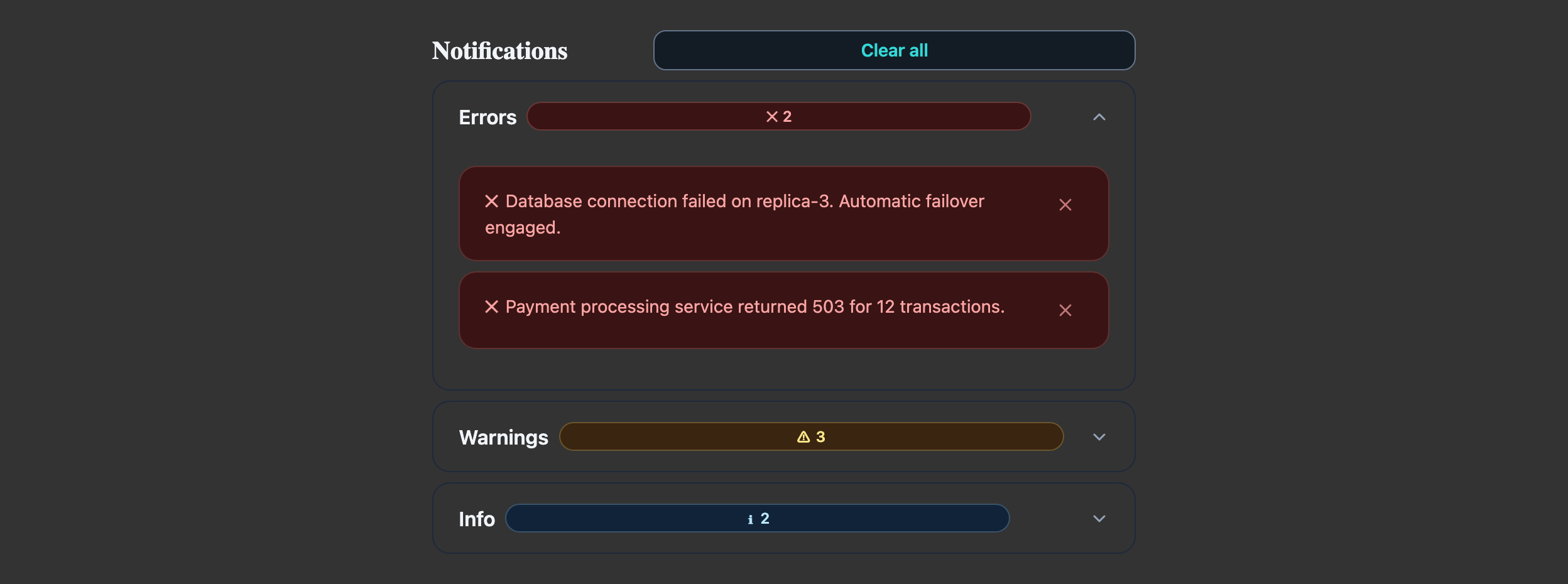
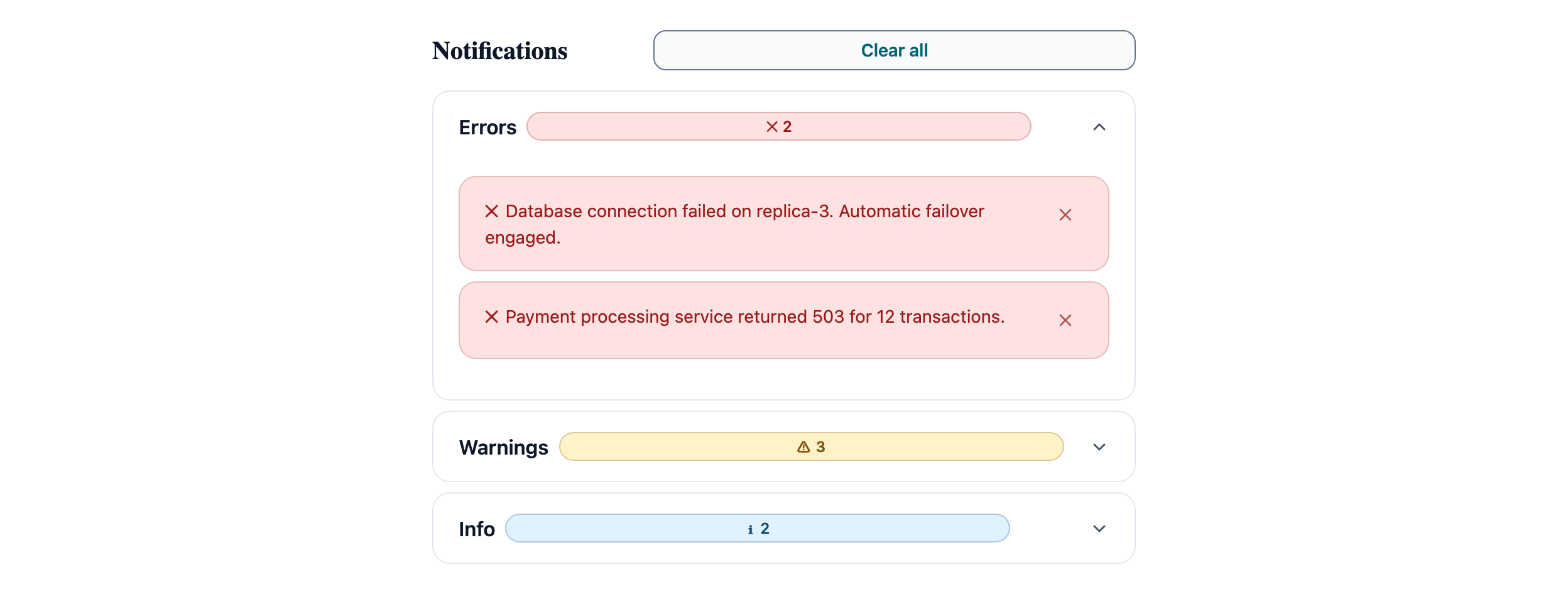
Storybook captures of this pattern in each framework, light and dark modes. The live demo above runs in React; these confirm the Angular and Vue compositions render the same way.

When to use
- A surface where users review historical notifications grouped by severity (errors, warnings, info).
- Notifications can be dismissed independently and the user wants to see related items together.
- You expect 10–200 items — fewer than 10 should render flat without the accordion wrapper.
When not to use
- Transient toast-style notifications — use AtlToast with `aria-live="assertive"` (error) or `polite` (info), not an accordion.
- A single critical message — inline AtlAlert above the page is louder and harder to ignore than a collapsed accordion section.
- Real-time logs / streaming output — the accordion expansion animation fights the auto-scroll. Use a virtual-scrolled list instead.
Accessibility
- AtlAccordionGroup with `multi={true}` lets users keep severity sections open simultaneously — match the user's mental model of triage.
- Each AtlAlert's `role` is bound to its variant (`alert` for danger/warning, `status` for info/success). Don't override.
- The badge counts beside each accordion header must update when items are dismissed — assistive tech reads the header text on focus, not the changing count below.
See the accessibility overview for the site-wide WCAG stance and per-component focus / ARIA notes.
Common pitfalls
What an LLM most commonly produces wrong here.
- LLMs frequently nest AtlAccordionGroup inside another accordion — flat groupings work better; switch to AtlTabs if you really need two axes.
- Auto-collapsing the section when its last item is dismissed is jarring on keyboard users mid-action — leave it open and show an empty-state row.
- Marking everything as `variant="danger"` so the user "really sees it" trains them to ignore the colour. Reserve danger for actual failures.
Variations
With "Mark all read" + filter chips
Add a AtlTabGroup above the accordion with severity filters; drive the visible groups from selected filter state.
Inline-only (no accordion)
For ≤ 5 items, drop the AccordionGroup and render Alerts directly; preserves the same dismiss handlers.
Code
Snippets are intentionally trimmed for readability. The full implementation — with state, styles, and demo data — lives in the framework Storybook files linked below.
<atl-accordion-group [multi]="true" variant="separated"> <atl-accordion-item [expanded]="true"> <span atlAccordionHeader> Errors <atl-badge variant="danger" size="sm">2</atl-badge> </span> <atl-alert variant="danger">Database failed.</atl-alert> <atl-alert variant="danger">Service 503.</atl-alert> </atl-accordion-item> <atl-accordion-item> <span atlAccordionHeader> Warnings <atl-badge variant="warning" size="sm">1</atl-badge> </span> <atl-alert variant="warning">Disk at 89%.</atl-alert> </atl-accordion-item></atl-accordion-group><AtlAccordionGroup multi variant="separated"> <AtlAccordionItem expanded> <span>Errors <AtlBadge variant="danger" size="sm">2</AtlBadge></span> <AtlAlert variant="danger">Database failed.</AtlAlert> <AtlAlert variant="danger">Service 503.</AtlAlert> </AtlAccordionItem> <AtlAccordionItem> <span>Warnings <AtlBadge variant="warning" size="sm">1</AtlBadge></span> <AtlAlert variant="warning">Disk at 89%.</AtlAlert> </AtlAccordionItem></AtlAccordionGroup><AtlAccordionGroup :multi="true" variant="separated"> <AtlAccordionItem :expanded="true"> <template #header> Errors <AtlBadge variant="danger">2</AtlBadge> </template> <AtlAlert variant="danger">Database failed.</AtlAlert> </AtlAccordionItem> <AtlAccordionItem> <template #header> Warnings <AtlBadge variant="warning">1</AtlBadge> </template> <AtlAlert variant="warning">Disk at 89%.</AtlAlert> </AtlAccordionItem></AtlAccordionGroup>Open in Storybook
The same composition with state, styles, and demo data — running live in each framework Storybook.